

Talk to your energy data
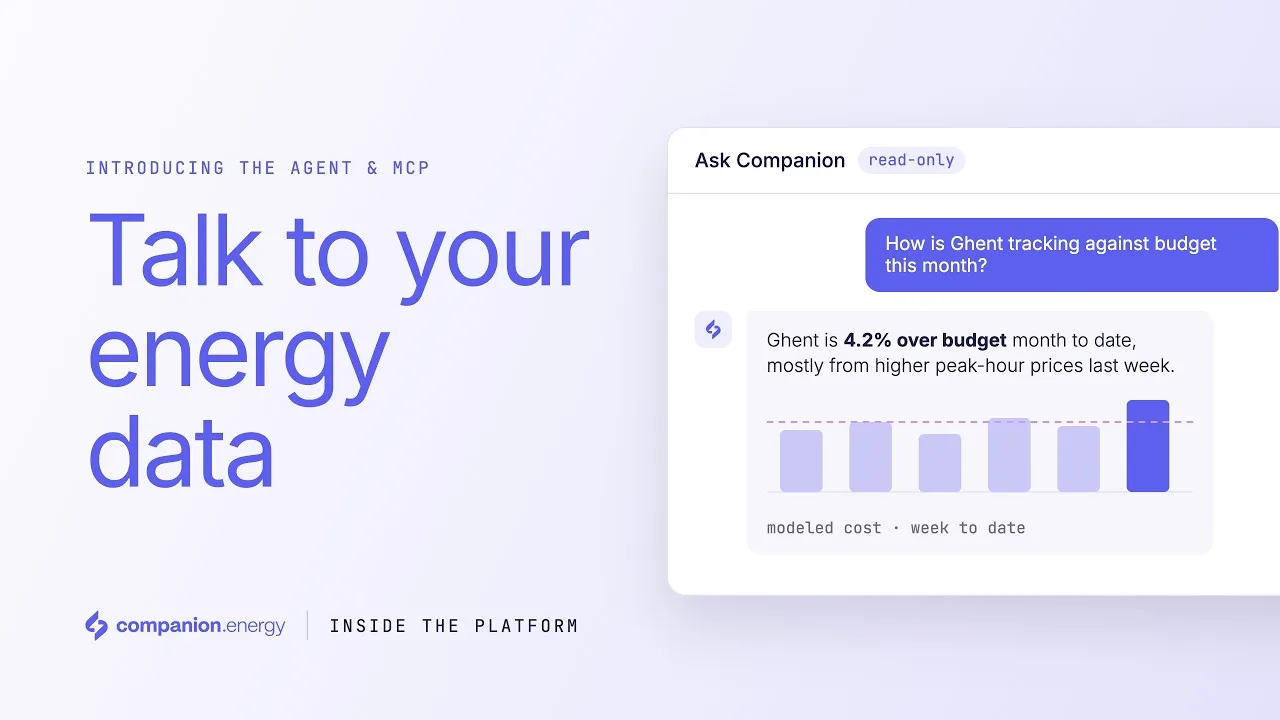
Ask questions in plain language and explore your energy portfolio in seconds. Use the AI agent built into the platform, or connect your energy data to AI assistants like Claude through the Companion.energy MCP server.


Less time searching, smarter energy decisions
Natasha Kettle, Customer Success Manager at Companion.energy, walks you through two ways to turn your energy data into insights: the AI agent built into the platform, and the MCP server that connects your data to AI assistants like Claude.

Every question takes too many clicks
The answer sits across several screens
Consumption in one view, contracts in another, budgets and market prices in a third. A simple question means building the answer yourself.
Colleagues ask the energy team
Finance, site managers and procurement need numbers too. Each question lands in someone's inbox.
Now you just ask
Type the question as you would ask a colleague, and get the information you need in seconds, with the data behind it.
Ask Companion, inside the platform
Ask questions naturally
Peak load analysis, data quality, costs and more. No filters to set or reports to build first.
From insight to detail
Drill down into specific sites, assets and time periods to understand the data behind each answer.
Your conversation stays yours
Your chat history is visible to you only, not to other users in your organisation.
Bring your energy data into Claude and other AI tools
Connect your favourite AI tools
The Companion.energy MCP server connects your energy data to AI assistants like Claude, through the open Model Context Protocol.
Bring energy data into your workflows
Portfolio, site and asset information, right where you do your own analysis, reporting and decision-making.
Your prompts stay in your tool
Questions you type in your own AI application are processed by that application. Companion.energy does not see the prompts or the answers.
Built on data you already trust
The same reconciled data, in both
The agent and the MCP server work on the same reconciled data model, with your energy and financial data together.
Explore with confidence
Both have read-only access. Neither can modify your assets, contracts or platform settings.
For authorised users
Only authorised users in your organisation can use the agent or connect the MCP server to their AI tools.
Your questions stay private
Chat history in the platform is visible only to the user who asked. Prompts in your own AI tool stay there. Read more in our privacy policy.
Less time searching, more time deciding
Answers in seconds, not after an export
From insight to detail: sites, assets and time periods
One reconciled data model for energy and finance
Works in AI assistants like Claude through MCP
Two ways to try it
See the agent on a call with your own questions, or click through the interactive demo yourself.
Pick a time with Thomas
Loading available times…
You're booked with Thomas
Click through the agent
An interactive demo of the agent in the platform, with sample data. No sign-up needed.